

Updated: August 3, 2026
Photo by Reet Talreja on Unsplash
While researching ways to support independent artists (myself included), I’ve been looking at how to make better use of Spotify’s tools to stand out. Basically, how to functionally set up your page to attract listeners, support your marketing efforts, and make a good first impression. Here's what I’ve found so far, not as advice from a guru, but practical steps for independent artists who want to strengthen their presence on the platform.
Why Your Spotify Profile Matters

Photo by Haithem Ferdi on Unsplash
Your Spotify profile is one of the first places new listeners will discover you. Whether they find you through a playlist, algorithm, or link in your bio, your profile needs to quickly do three things:
Tell people who you are
Show that you're active
Encourage them to stay and listen longer
Both image and function are important for independent artists to influence your chances of playlist placements, media coverage, and even grant applications, sync opportunities, and brand partnerships.
Step 1: Claim and Customize Your Profile on Spotify for Artists

Photo by Dayvison de Oliveira Silva on Unsplash
Before anything else, claim your profile via Spotify for Artists. It gives you access to:
Real-time analytics
Audience and listener demographics
Editorial playlist submission tools
Artist profile customization
Access to features like Canvas and Merch integration
Once you claim it, update your profile with:
Profile Photo & Header: Use high-quality images. Your profile photo is your calling card, so make it recognizable and consistent with other platforms.
Bio: You get 1500 characters, so be sure you make them count. Prioritize clarity over hype. Be concise, describe your sound, mention key achievements, and include a call to action (like a new release). Use proper line breaks — dense paragraphs deter readers.
Social Links: Link to your Instagram, Twitter/X, and Wikipedia (if applicable). These help Spotify verify who you are and give fans more places to follow you.
Featured Artist Picks: You can pin one item (a track, album, or playlist) to the top of your page. Update this strategically for new singles, show dates, or curated playlists.
Step 2: Use the Canvas Feature (If It Makes Sense for You)

If your genre or aesthetic works well for visual storytelling, Canvas (the looping 3-8 second video that appears during playback) can enhance your listeners’ experience, especially on mobile.
Canvas isn’t available in all countries yet, but if you do have access, it’s worth testing. What I’ve seen in artist forums suggests it can increase track shares and saves, depending on how you execute it. Low-quality or distracting visuals can actually hurt more than help, so you’ll want to either keep it polished or skip it.
Step 3: Submit Music for Playlist Consideration Before Release Day

Photo by Norbert Buduczki on Unsplash
Spotify only considers unreleased music for editorial playlists, and it has to be submitted via your Spotify for Artists dashboard. This means you need to:
Distribute your release at least 7 days in advance (ideally 2-3 weeks)
Fill out every detail in the submission form, including genres, moods, instrumentation, and language
Mention any promotional plans in the pitch (press coverage, ad campaigns, etc.)
Even if you don’t land a playlist, this submission makes sure the track shows up in your followers’ Release Radar.
Step 4: Organize Your Artist Playlists Intentionally

Photo by Marc-Olivier Paquin on Unsplash
You can (and should) create playlists from your artist account. These can include:
All your releases in one place
Mood or theme-based playlists that include your tracks alongside others
Behind-the-scenes picks that show your influences
It’s important to recognize that the goal here is to extend listener time and deepen engagement. Treat playlists as an extension of your artistry instead of just a tool for self-promotion.
If you do include your own tracks, put them near the top. Make sure you don’t go overboard, because no one wants a 10-hour playlist with no curation.
Step 5: Use Merch, Tickets, and Fundraising Tools (When Available)

Spotify offers integrations with:
Merchbar (to show merch items on your profile)
Eventbrite / Ticketmaster / See Tickets (for upcoming shows)
Fan Support / Cash App / GoFundMe (for tip jars or fundraising campaigns)
If any of these are part of your release strategy or touring life, connect them. They won’t bring massive revenue on their own, but they remove friction for fans who want to support you directly.
Step 6: Keep Your Profile Updated (Even Between Releases)
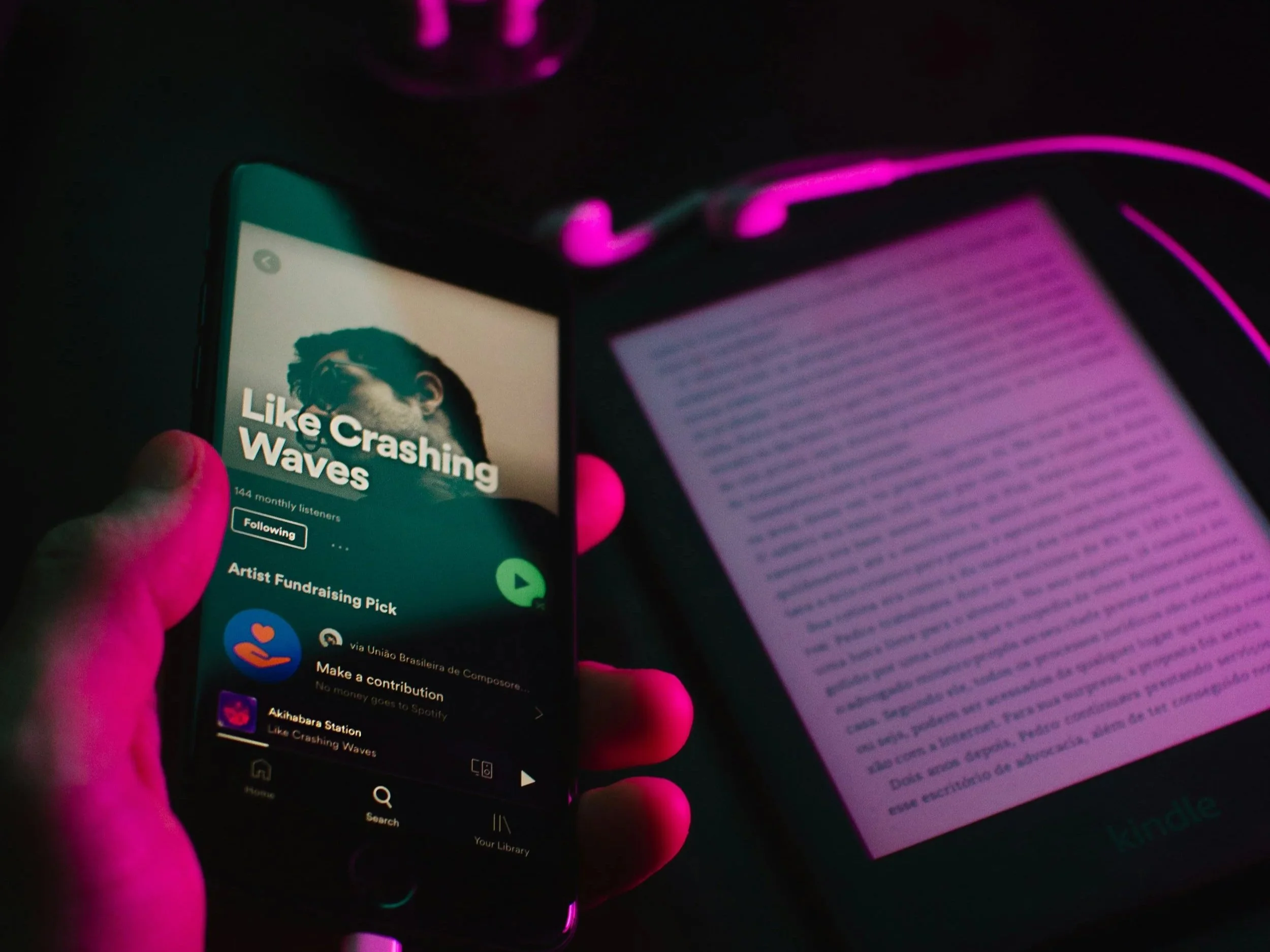
Photo by @felipepelaquim on Unsplash
One of the most avoidable mistakes I’ve seen (and made myself) is letting your Spotify profile go stale between releases. Even if you’re not dropping new music every month, you can:
Rotate your Artist Pick every 2-4 weeks
Update your bio to reflect upcoming plans or milestones
Curate new playlists seasonally
Swap out profile or header images for tour cycles or new campaigns
These little touches let people know that you’re active and engaged, which makes a difference to both fans and Spotify’s editorial team.
What I’m Still Looking Into

Photo by Daniel Romero on Unsplash
This blog post is meant to cover the basics, but here’s what I’m still digging into for myself and other artists:
Whether Canvas use impacts algorithmic playlists over time
How often to rotate Artist Pick for best engagement
If third-party playlist adds affect Spotify's editorial consideration
Whether merch integration generates measurable conversions
As I learn more, I’ll share what’s working, what isn’t, and where the effort is (or isn’t) worth it.
To sum it all up, optimizing your Spotify artist profile is more about making sure your digital presence reflects the care you put into your music than chasing vanity metrics or trying to “hack” the algorithm.
Every detail, from your bio to your playlists, is a cue to fans, to Spotify’s curators, and to industry peeps who might be checking you out for the first time. And every independent artist knows that these small wins add up.
If you’ve made any updates to your Spotify profile recently and seen results (good or bad), I’d love to hear what’s working for you.
- Art
- Independent Labels
- Internet Radio
- Music Documentaries
- Album Reviews
- Music History
- Music Industry News
- Free Game Friday
- Free Downloads
- Poetry
- Books
- Interviews
- Did You See It?!
- Hip Hop History
- Hear Here
- Music News
- Hip Hop Documentaries
- Music Marvels Radio Show
- Think Piece Thursday
- Mini Documentaries
- Instrumental Intel
- Music Humor
- Indie Analysis
- Conversations & Quotables
- Music
- Resources for Artists
- Podcasts
- Beats/Instrumentals
- Music Education












![Hear Here: Achickwitbeatz - Dopamine & Serotonin [Single]](https://images.squarespace-cdn.com/content/v1/52b0b90ae4b0293bfed0d692/1710852808557-EZYGFDIBHLBSIRFOVS1Q/Dopamine+%26+Serotonin.JPG)




Guest post by Emma Grace Brown. The hardest part of building a creative career is living in the tension between making meaningful work and making it pay. Explore tips for blending creativity and strategy to keep your art alive and help it earn.